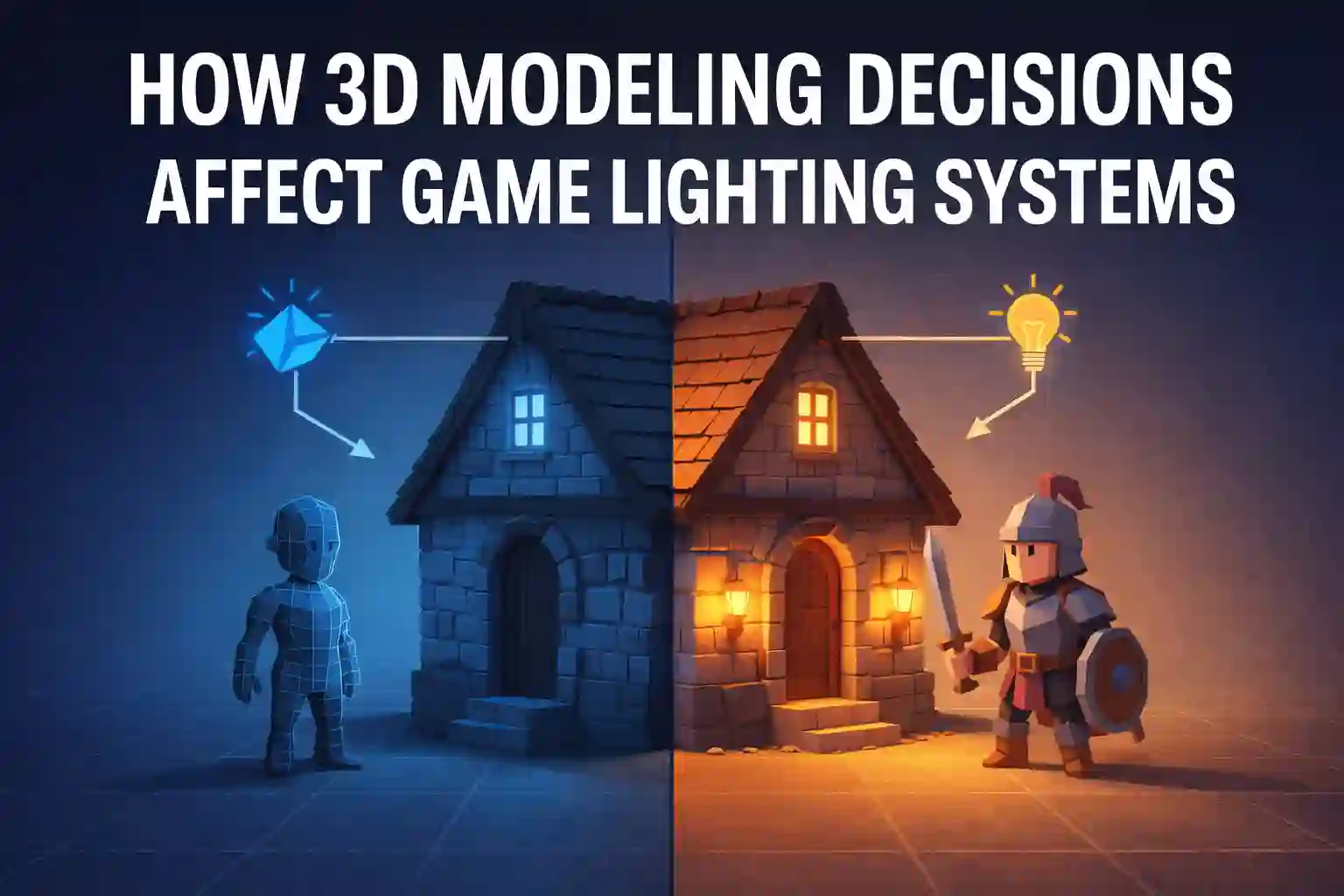

How 3D Modeling Decisions Affect Game Lighting Systems
by Animatics Asset Store in Blog on March 16, 20263D modeling decisions directly control how game lighting systems behave. The shape of a model, the number of polygons, and the way textures are applied all change how light interacts with objects. Poor modeling leads to flat lighting, strange shadows, and performance issues. Smart modeling improves realism, boosts performance, and helps lighting engines produce believable scenes.
Game developers who understand this relationship build better worlds. They also save time during optimization. Lighting works best when models are designed with lighting in mind.
Why Lighting Depends on 3D Models
Lighting is one of the most powerful visual tools in game development. It defines mood, realism, and depth. But lighting engines cannot work properly without well-built models.
Every 3D model interacts with light in three ways:
- Reflection
- Shadow casting
- Surface shading
If a model has poor geometry, the lighting engine struggles to calculate light correctly. This results in artifacts, flickering shadows, or unrealistic reflections.
Modern engines like Unity and Unreal Engine rely heavily on optimized models to power advanced game lighting systems. According to Unity’s developer report, lighting and rendering account for over 40% of graphical processing in modern games.
This shows how closely modeling and lighting are connected.
Reference: Unity Game Development Report
Geometry and Light Interaction
Geometry plays a huge role in how light behaves in a game scene.
A model with clean topology reacts to lighting smoothly. A messy mesh causes strange shading problems.
Good Geometry Improves Lighting
When models have proper edge flow and even polygons, lighting engines can calculate normals correctly. This produces smooth highlights and realistic shadows.
For example:
- Rounded surfaces reflect light gradually.
- Flat surfaces reflect light evenly.
- Hard edges create defined shadows.
Game artists often add supporting edge loops to control how light moves across surfaces.
Bad Geometry Breaks Lighting
Poor topology causes shading issues such as:
- Lighting seams
- Flickering shadows
- Incorrect reflections
These problems force developers to spend extra time fixing materials or adjusting game lighting systems instead of improving gameplay.
Polygon Count and Performance
Polygon count affects both performance and lighting accuracy. High-poly models capture light details very well. However, they can slow down rendering. Low-poly models improve performance but may lose lighting detail. Game developers balance these factors carefully.
Why Polygon Optimization Matters
Lighting engines calculate how light hits every surface. More polygons mean more calculations. If models are too complex, the GPU struggles.
According to NVIDIA research, reducing polygon count can improve real-time rendering performance by 20–40% in complex scenes. That improvement helps game lighting systems run smoothly across different devices.
Reference: NVIDIA Graphics Optimization Guide
Surface Normals and Shading
Surface normals define how light reflects from a model. They control the brightness and direction of shading. Even small errors in normals can break lighting.
Smooth Normals
Smooth normals help curved surfaces appear natural. They blend light gradually across faces. Examples include:
- Character models
- Organic objects
- Rounded props
Hard Normals
Hard normals create sharp lighting transitions. These are useful for mechanical objects. Examples include:
- Weapons
- Buildings
- Sci-fi props
Balancing normals properly allows game lighting systems to produce believable highlights and shadows.
Materials and Texture Maps
Textures are just as important as geometry. Lighting engines depend on several texture maps to calculate light behavior.
Common maps include:
- Normal maps
- Roughness maps
- Metallic maps
- Ambient occlusion maps
Normal maps are especially important. They simulate small details without increasing polygon count. This trick helps game lighting systems display detailed lighting while maintaining performance.
For example, a brick wall may only have a few polygons. But normal maps can simulate hundreds of small grooves where light reacts realistically.
Global Illumination and Model Design
Modern games often use global illumination. This system simulates how light bounces between surfaces. For global illumination to work correctly, models must be designed carefully. Large flat surfaces reflect light widely. Small details scatter light in many directions.
This means modelers must think about lighting while building assets. Games like The Last of Us Part II and Cyberpunk 2077 use advanced game lighting systems that rely heavily on accurate geometry and materials.
These techniques make scenes feel cinematic and believable.
Real-Time Lighting vs Baked Lighting
Game developers choose between two major lighting approaches.
Real-Time Lighting
Real-time lighting updates instantly. It responds to movement and environmental changes. This is common in open-world games. However, it requires optimized models. Heavy geometry slows down calculations in game lighting systems.
Baked Lighting
Baked lighting stores lighting information in textures. This approach saves performance but limits dynamic changes. Good modeling still matters. Clean geometry ensures baked shadows appear natural.
Environment Design and Lighting
Large game environments depend heavily on proper modeling. Level designers build environments using modular assets. These pieces must align perfectly so lighting behaves consistently. Small gaps or mismatched normals can create lighting leaks. This is why studios build environment libraries with optimized assets.
For smaller teams or indie developers, finding good assets can be difficult. Some developers rely on platforms like Animatics Assets Store, which offers optimized free 3D models suitable for game development. Assets designed with clean topology often work better with modern lighting systems.
This helps developers focus more on gameplay and world design instead of rebuilding basic assets.
Common Lighting Problems Caused by Modeling
Many lighting issues start with modeling mistakes. Here are some common problems developers face:
Shadow Acne
This happens when surfaces overlap slightly. Lighting engines struggle to calculate depth.
Light Leaks
Light leaks occur when models have gaps or thin walls.
Shading Errors
Incorrect normals create strange shading patterns. Fixing these problems usually requires adjusting the model rather than changing game lighting systems.
The Future of Game Lighting
Lighting technology keeps improving. New tools like ray tracing and path tracing simulate light with incredible accuracy. These technologies require even better models. Ray tracing calculates how light rays bounce between surfaces in real time. That means geometry, materials, and textures must be precise.
According to Epic Games, ray tracing can increase realism significantly but may require twice the GPU processing power. Because of this, optimized modeling becomes even more important for future game lighting systems.
Reference: Epic Games Rendering Technology Report
Final Thoughts
3D modeling and lighting are deeply connected. A well-modeled asset improves reflections, shadows, and overall realism. Poor modeling makes lighting engines struggle. Developers who understand this relationship build stronger visual experiences.
Clean geometry, optimized polygons, proper normals, and smart texturing allow game lighting systems to perform at their best.
Great lighting does not start in the rendering engine. It starts with the model itself.
Latest Blog