
-
3D Chess Board Set
1 × $1.00
Subtotal: $1.00
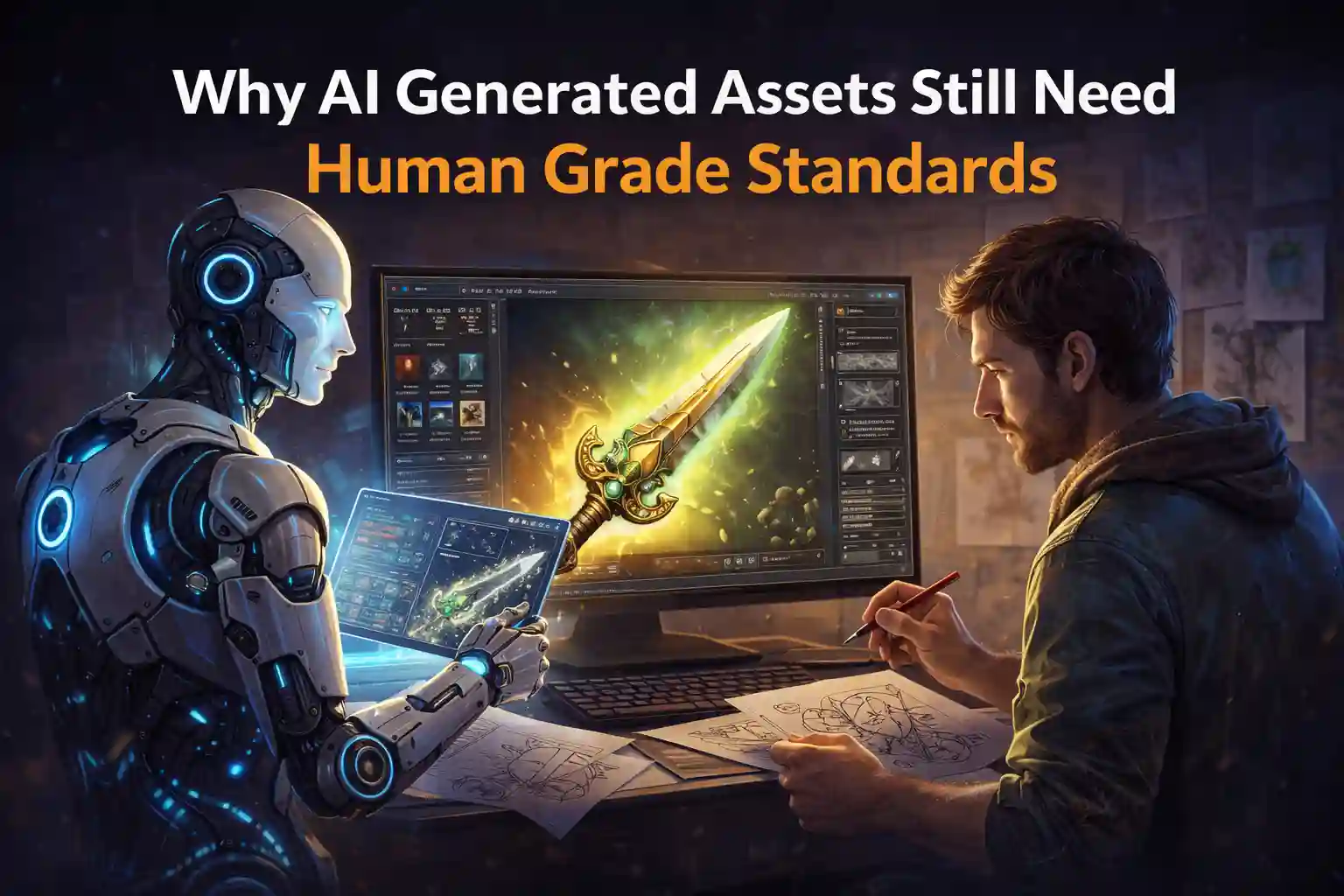
You try an AI tool because you want speed and momentum. You want to stop staring at a blank scene or an empty folder. At first, it feels like magic. You prompt. The asset appears. Textures, shapes, details, all there in seconds.
Then you actually use it.
The model looks strange in-engine.
The scale feels wrong next to your other assets.
Lighting exposes flaws you did not notice before.
That moment explains the core issue. AI generated assets can accelerate creation, but they cannot replace human grade standards. Not yet. And probably not ever.
This article explains why that gap exists and how professionals handle it without slowing down their workflow.
AI tools shine during the early stages of creation.
They help you move fast when ideas matter more than polish. According to Adobe’s Creative Trends report, teams using AI during ideation reduce concept turnaround time by nearly 45 percent. That is a massive gain.
AI generated assets work best when you need speed over precision.
They help with:
If you need ten variations of a sci-fi weapon or environment prop, AI can give you options quickly. That alone removes creative friction and helps teams commit to direction faster.
This is where AI adds real value. It removes the fear of starting.
But speed only helps until quality starts to matter.
Once you move from ideas to execution, weaknesses show up fast.
AI does not understand intent. It does not understand context. It does not understand your engine, platform, or player experience.
This causes problems that compound over time.
AI generated 3D assets often fail basic production checks.
Edge flow feels random.
Geometry density looks uneven.
Deformation zones break during animation.
These issues matter. Unity performance documentation shows that unoptimized meshes increase rendering cost and reduce frame stability. In real-time applications, even small inefficiencies stack quickly.
A human artist sees these problems instantly. AI does not.
AI textures often look acceptable in isolation. The problems appear under real lighting.
Metal does not respond to light correctly.
Roughness maps lack believable variation.
Normal maps feel noisy instead of intentional.
Humans understand material behavior. AI imitates surface patterns without understanding physics.
That difference shows up the moment you place assets into a real scene.
Consistency defines professional work.
AI generated assets often mix styles without realizing it. One asset feels realistic. Another feels stylized. Another looks like concept art.
When players notice that mismatch, immersion breaks.
No algorithm fixes that without human judgment.
Human grade standards do not mean making everything flawless.
They mean making deliberate choices.
A human asks questions AI cannot ask.
Does this asset support gameplay
Is this shape communicate function
Does this texture match the rest of the world
According to a GDC survey on production pipelines, over 70 percent of studios that use AI still require manual review and refinement before shipping assets. That number exists because judgment matters more than generation.
AI generated assets become useful only when humans define what “good” looks like.
Professionals do not treat AI as a replacement. They treat it as a starting point.
A healthy workflow usually looks like this:
This approach protects quality while preserving speed.
You move faster without losing control.
One of the smartest ways to improve AI outputs is to study assets that already meet professional standards.
This is where curated libraries like Animatics Asset Store become useful, not as shortcuts, but as references.
When you examine production-ready assets, you see:
Comparing AI generated assets against these benchmarks helps you identify what needs fixing. It teaches your eye what “finished” actually means.
That reference point matters more than any prompt.
AI does not understand your audience.
It does not understand performance budgets.
It does not understand emotion or storytelling.
Humans do.
The strongest projects use AI to remove busywork, not responsibility. They let AI speed up exploration, then apply human standards to shape the final result.
That balance keeps creativity fast without letting quality slip.
If you want better results, do not chase better prompts alone.
Study real assets.
Compare outputs critically.
Refine with intention.
Use AI generated assets as raw material, not finished work.
When you pair AI speed with human standards, you stop choosing between efficiency and quality. You get both.