
Utilizing AI-Driven Texturing Techniques in Game Asset Creation
by Animatics Asset Store in Blog on October 30, 2025Game developers face a constant challenge. They need faster production, higher visual quality, and smaller budgets. AI-Driven texturing helps solve all three.
This technique uses artificial intelligence to create and enhance textures for 3D assets. It speeds up work, lowers costs, and adds creative freedom. Let’s explore how this works and why it’s changing game development.
AI-Driven Texturing Explained
AI-Driven texturing means using algorithms or neural networks to make textures automatically. You can feed an AI a model or prompt, and it produces detailed texture maps—albedo, normal, roughness, or metallic.
Think of it as an assistant that paints your surfaces. It learns from real materials, photos, and scanned data to mimic wood, metal, stone, or fabric.
Traditional texturing takes hours of hand painting. With AI, it happens in minutes. The result still needs human polish, but it gives you a strong base to build on.
Why AI-Driven Texturing Matters
Speed is the biggest gain. Developers can now produce textures in 10–15 minutes instead of several hours. That’s a game-changer when building large worlds.
According to Industry Research (2025), the global AI game asset market will hit $1.48 billion in 2025 and jump to $24.7 billion by 2034. The demand for texture automation is a big driver of this growth.
Smaller studios also benefit. Using AI cuts texture production costs by up to 30%. Indie teams can now compete with AAA visuals using efficient workflows.
Another key point is creativity. Artists can try more ideas fast. They can prompt the AI for “rusted sci-fi metal” or “old marble floor,” see instant results, then refine them by hand.
AI doesn’t replace creativity. It removes the busywork that blocks it.
AI-Driven Texturing Workflow
Here’s how a typical AI-Driven texturing pipeline looks in practice:
1. Model and UV Setup
Start with a clean 3D model. Use software like Blender, Maya, or 3ds Max. Unwrap UVs so the AI knows how to apply textures correctly.
2. AI Texture Generation
Use a generative tool such as Adobe Firefly, Kaedim, or Magnific. Type a prompt like:
“Old stone wall, cracked surface, moss on edges, game-ready PBR maps.”
In seconds, you’ll get base texture maps—color, roughness, and normal. AI-Driven texturing lets you create many versions with small prompt changes.
3. Artist Refinement
Human input still matters. Artists adjust seams, color balance, and fine details. They might paint over parts in Substance Painter or Photoshop.
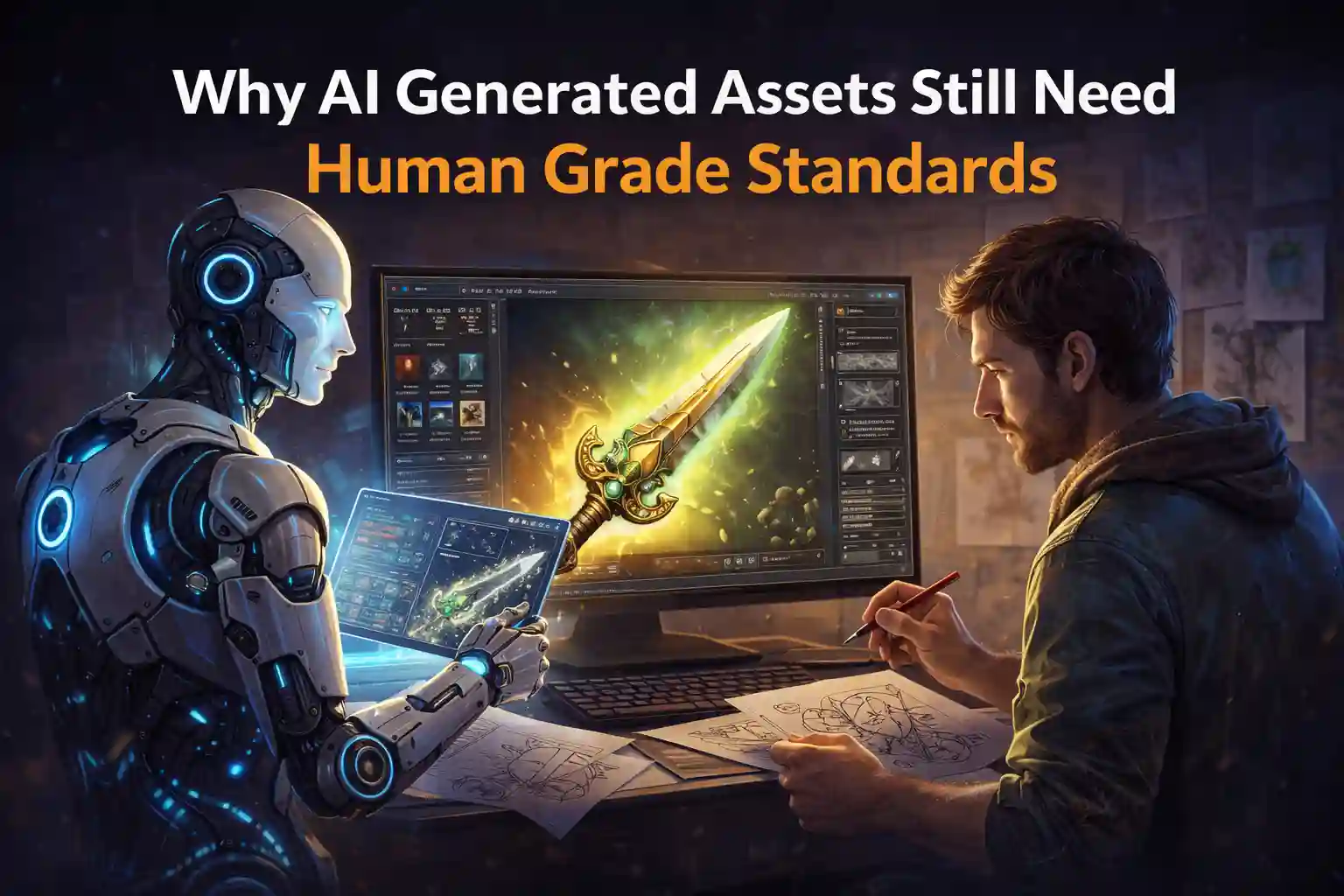
AI provides the foundation. The artist gives it soul.
4. Engine Integration
Import the finished textures into your game engine—Unity or Unreal Engine 5. Test lighting, scale, and visual consistency.
Always compress textures for performance. Use 2K or 4K only where needed.
5. Variation and Reuse
Once you have a solid base, use the AI to make quick variations. Try new wear levels, color schemes, or seasons. This boosts asset reuse across maps and levels.
Best Practices for AI-Driven Texturing
Follow these simple rules to get the best results.
Use Clear Prompts
Be specific. Include material type, style, and detail level. Example:
“Stylized sci-fi metal floor, medium wear, oil stains, blue tint, PBR.”
Vague prompts lead to inconsistent results.
Check UVs and Tiling
AI can create seams or misaligned edges. Always review tiling and fix UV overlaps. Seamless maps make your textures look professional.
Keep Quality Control
Don’t accept every output. Choose the best results, refine, and test in-engine. A study on generative tools showed designers trust AI for bulk creation, but they still refine every asset before final use (arXiv 2024).
Optimize for Real-Time
Use correct compression formats like BC7 or ASTC. Test frame rates after importing new textures. Beautiful visuals mean little if the game stutters.
Stay Ethical
AI uses data from trained sets. Know where your tool sources its materials. Always follow licensing and IP rules to stay safe.
Common Challenges
Even with smart AI tools, some issues remain.
- Repetition: If you use similar prompts, textures can look alike. Add manual edits to keep assets unique.
- Integration: Some AI tools output non-standard map types. Test compatibility before production.
- Ownership concerns: Understand the terms of your AI platform. Some claim co-ownership of generated assets.
- Over-automation: Relying only on AI may make your game feel lifeless. Keep a human hand in the process.
Real-World Impact
Studios now combine AI with standard tools. For example, they use AI-Driven texturing for quick drafts and Substance Painter for the final touch. This hybrid method saves 40% of texturing time on average, according to 2024 production reports (GameDev Market Review).
Developers also use AI for style transfer. They can convert realistic textures into stylized looks—cartoon, cel-shaded, or painterly. This adds flexibility without manual repainting.
As of 2024, over 60% of new indie games reported using at least one AI texturing or asset generation tool during development (Game Analytics Report 2024). The shift is clear and accelerating.
Combining AI Texturing with Free Assets
AI needs good models to work with. That’s where free asset libraries come in.
The Animatics Assets Store is one of the best places to find free 3D game assets. You can download ready-made models—vehicles, buildings, props—and use AI-Driven texturing to re-skin them.
This saves massive time. Instead of modelling from scratch, you focus on art direction and polish. Animatics offers both realistic and stylized models, perfect for testing your texture pipeline.
It’s not an ad—it’s a workflow booster. The combination of free assets and AI-Driven texturing can double your creative output.
Measuring Results
You can measure the success of AI-Driven texturing with clear metrics:
- Time saved per asset – Compare manual vs. AI workflow hours.
- Cost savings – Track artist time and software costs.
- Asset variation count – More unique textures equal richer worlds.
- Performance stability – Test load times and frame rates.
- Player feedback – Do players notice texture improvement?
Most teams report faster iteration cycles and more consistent texture quality after adopting AI-assisted workflows.
The Future of AI-Driven Texturing
The next step is real-time generation. Soon, engines like Unreal will create procedural textures on the fly. Imagine adaptive materials that react to damage, dirt, or weather dynamically.
Another trend is style-aware generation. Tools will let you train AI on your own art style, keeping your game’s look unique.
AI will not replace texture artists—it will empower them. Artists will direct AI tools like creative partners. The result will be faster workflows and better art.
Conclusion
AI-Driven texturing transforms how developers build game worlds. It cuts production time, lowers costs, and expands creativity.
But remember—AI is a tool, not a replacement. The best results come when humans and machines work together.
Use AI to generate your base textures. Refine them with artistic care. Integrate them into your workflow with free assets from sources like Animatics asset store.
The future of game art lies in collaboration—between artists and algorithms. Those who master that partnership will shape the next era of game visuals.
Latest Blog